 TGR
Get paid to your UPI
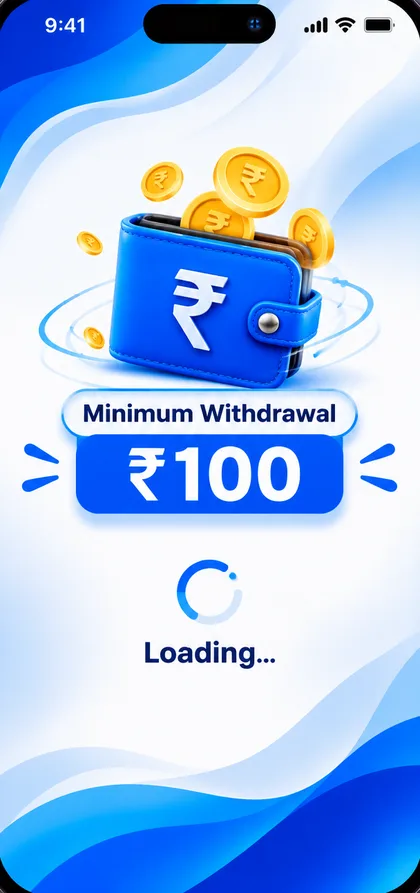
Rewards land in your in-app wallet. Withdraw any time your balance reaches ₹100.

Rewards are added to your TGR TestWorks wallet after a company approves your work. When your balance is at least ₹100, tap Withdraw, pick your UPI app, enter your UPI ID and amount, and confirm. The app does not verify the UPI ID, so check it carefully.
How you earn
Approved tests
When a company approves your work, the reward is added to your balance.
Bug report rewards
Accepted bug reports earn a reward of their own.
Referral rewards
Earn when friends you invite complete their tasks.
Withdraw in five steps
Tap Withdraw
Open Home or Earnings and tap the Withdraw button. Your balance must be at least ₹100.
Choose your UPI app
Pick Google Pay, PhonePe, Paytm, FamPay, BHIM, Amazon Pay, CRED, MobiKwik, WhatsApp Pay or another UPI app.
Enter your UPI ID
Check it carefully. Money is sent to the UPI ID you enter.
Enter the amount
Withdraw all or part of your available balance.
Confirm
You see a short processing screen, then a success screen with the payment details. The withdrawal is listed in your history.
Supported UPI apps
 Google Pay
 PhonePe
 Paytm
 FamPay
Track everything
- Total earned and Withdrawn are always on top.
- Recent activity lists every credit with date, time and status.
- Open any line for full transaction details.
- Hide your balance with the eye icon.
Start earning
Download the app and apply for your first test.