 TGR
Everything the app does
Built for testers in India. Clear status for every test and every rupee.
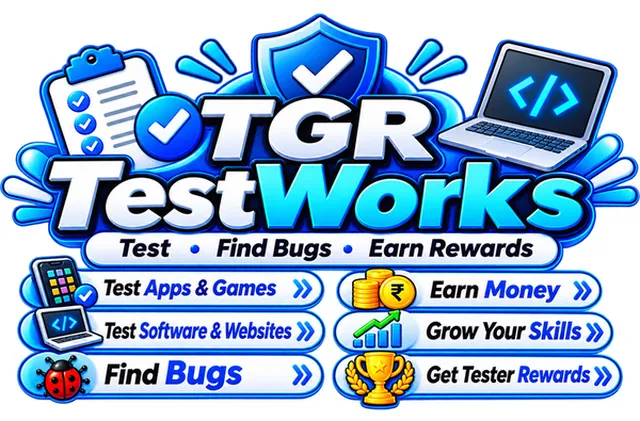
TGR TestWorks has five tabs: Home, Explore, My Tests, Earnings and Profile. It includes job search with App, Web, Game and Software filters, bug reports, a wallet with transaction history, UPI withdrawals, refer and earn, a leaderboard, levels and badges, notifications and in-app support.
Explore jobs
Search by test or company name and filter by App, Web, Game or Software.
My Tests
See Pending, Approved and Not selected counts and the reward from approved tests.
Clear work terms
Every work has its own terms. Read to the end and tick to apply.
Bug reports
Send reports from inside the app and earn a reward when they are accepted.
Wallet and earnings
Total earned, withdrawn and recent activity, with a hide-balance option.
UPI withdrawals
Withdraw from ₹100 to the UPI app you already use.
Transaction history
Every credit and withdrawal with date, time and status.
Refer and earn
Share your code and earn when friends complete their tasks.
Leaderboard
See how you rank among other testers.
Levels and badges
Seven levels from Newcomer to Legend, plus Partner and Officer badges.
Companies and ranks
Top companies show paid out, testers and payout time, with a rank badge.
Notifications
Get notified when a test is approved or money is credited.
Help and support
Raise tickets in the app or reach us on WhatsApp and email.
Profile and security
Edit your profile, add a photo and change your password.
A closer look
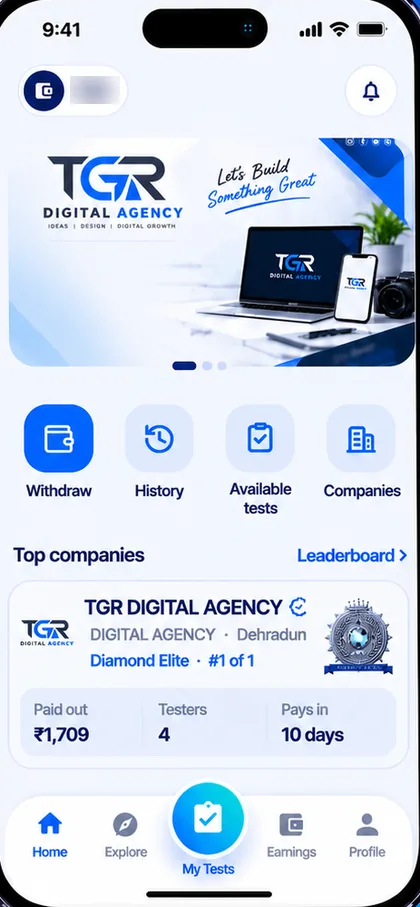
Home
Your wallet balance and notifications sit at the top. Below are banners and four quick actions: Withdraw, History, Available tests and Companies. Top companies show how much they have paid, how many testers they have and how fast they pay.
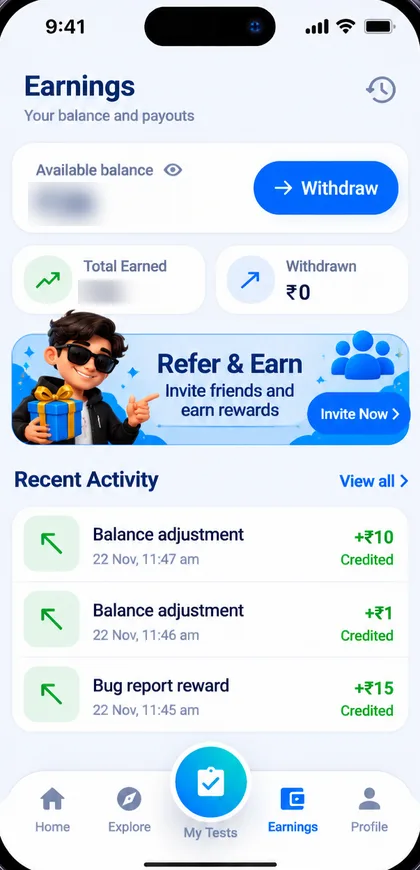
Earnings
See total earned, amount withdrawn and your recent activity, with a date and status on every line. Hide your balance with the eye icon when you are in public. The Refer and Earn banner is right below.
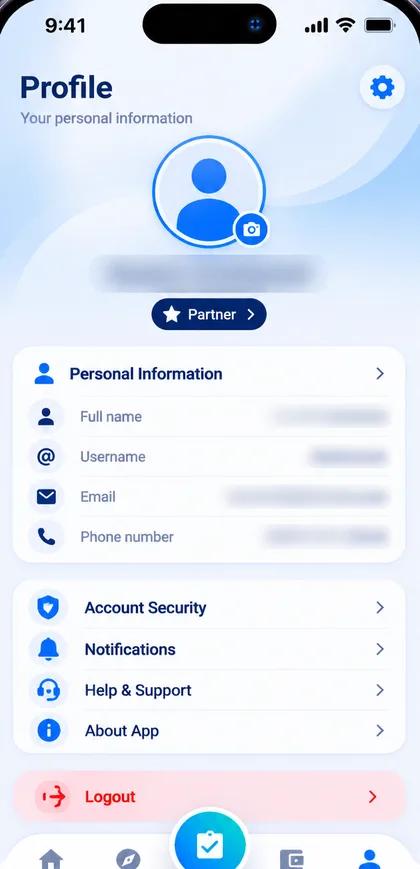
Profile
Edit your details, add a photo, change your password, manage notifications and open Help and Support. Your badge sits right under your name.
See it on your phone
Free to download. Works on Android 5.0 and above.